












What Is PLM? Its Role, Benefits, and Applications in Product Development
Wrong drawing versions, unsynchronized BOMs, and changes that are difficult to control? Learn what PLM is and how PLM helps businesses manage product data more efficiently.
The drawing has been updated, but production is still using the old version. The BOM does not match the latest design. An engineering change goes through multiple emails before anyone knows whether it has been approved.
As products become more complex, companies need more than just design tools. They also need to manage the growing volume of product data, versions, and engineering changes generated throughout the product development process.
This is where PLM – Product Lifecycle Management plays an important role by connecting product data, processes, and teams within a unified environment.
Simply put, PLM helps companies manage products from concept and design to manufacturing and later stages of the product lifecycle, while ensuring that the right people can access the right data and the right version when needed.

1. What is PLM?
PLM (Product Lifecycle Management) is an approach and system for managing product-related information, data, and processes throughout the product lifecycle – from concept, design, and validation to manufacturing, maintenance, and beyond.
A PLM system can help manage:
- CAD drawings and 3D models
- BOMs (Bills of Materials)
- Versions and revisions
- Engineering changes
- Approval workflows
- Product configurations
- Technical documentation
- Cross-functional collaboration
Importantly, PLM is more than just a place to store files. It also manages the relationships between product data, versions, users, and engineering changes.
For example, when a drawing is updated, PLM can help track the new revision, its approval status, and other related data that may also need to be updated. This helps prevent design and manufacturing teams from working with different versions of the same information.
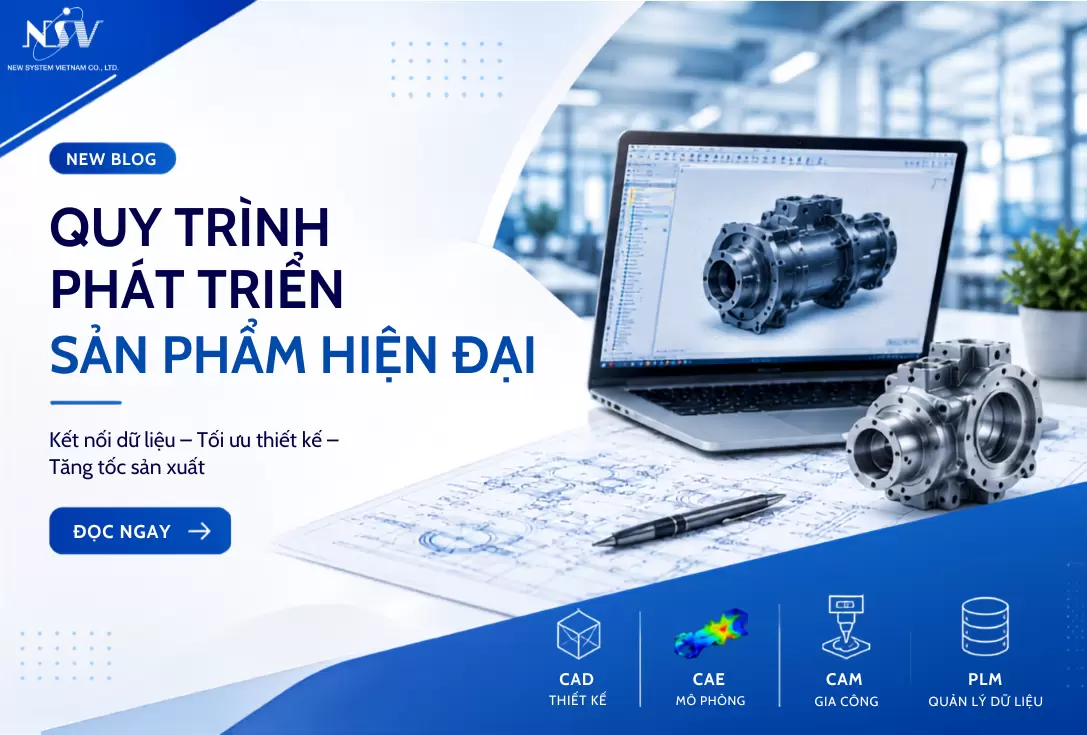
While CAD, CAE, and CAM focus on design, simulation, and manufacturing activities, PLM helps manage the data that flows across these processes. This is also important when understanding how CAD, CAM, CAE, and PLM work together throughout product development.
2. Key Areas of PLM
PLM covers many activities throughout the product lifecycle. For manufacturing companies, however, its role can be understood through three key areas: product data management, change management, and engineering collaboration.
2.1. Product Data Management (PDM)
PDM is an important part of PLM, focusing on the management of engineering data such as CAD files, 3D models, BOMs, and related technical documents.
Instead of storing data across personal computers, shared folders, and emails, companies can manage it centrally to:
- Control versions and revisions
- Identify the latest data
- Manage access permissions
- Track modification history
- Reduce duplicate data
This becomes particularly important when multiple engineers work on the same product and the volume of engineering data increases with each project.
2.2. Change & Process Management
A design change rarely affects only one drawing. It may also require changes to the BOM, simulation data, manufacturing processes, purchasing information, or supplier documentation.
PLM helps bring these activities into a traceable workflow:
Change Request → Review → Approval → Implementation → Release
This makes it easier to determine:
- Who requested the change?
- What was changed?
- Who needs to approve it?
- Which teams or data are affected?
- Which version is currently effective?
If your company frequently needs to verify revisions or confirm engineering changes through email, this may be one of the 7 signs that it is time to consider PLM.
2.3. Engineering Collaboration & Configuration Control
As products gain more versions, options, and configurations, managing individual files separately becomes increasingly difficult.
PLM helps manage the relationships between:
3D Model → Drawing → BOM → Specification → Change
At the same time, design, simulation, manufacturing, quality, purchasing teams, and suppliers can access product data according to appropriate permissions.
Instead of each department maintaining its own “version of the truth,” the goal is to create a more consistent source of product information throughout the development process.
2.4. PLM Software Solutions
There are many PLM solutions available today, including Teamcenter, Windchill, Aras Innovator, and solutions within the Dassault Systèmes ecosystem.
There is no single PLM solution that fits every company. The right choice depends on factors such as:
- Existing CAD systems
- Product and BOM complexity
- Engineering change management requirements
- Number of teams that need to collaborate
- Integration with existing systems
- Company scale and future expansion plans
Companies can compare popular PLM solutions before deciding which platform best fits their actual requirements.
Within the Dassault Systèmes ecosystem, ENOVIA on the 3DEXPERIENCE Platform helps companies manage product data, product structures, engineering changes, and collaboration in a connected environment.
ENOVIA can support:
- Product data and version management
- Access control
- BOM and product configuration management
- Change and approval tracking
- Engineering collaboration
When combined with CATIA, SIMULIA, and DELMIA on the 3DEXPERIENCE Platform, data can be connected more seamlessly from design and simulation through manufacturing preparation.
3. Benefits of Using PLM
3.1. Reduce Errors and Improve Data Consistency
One of the most common problems with decentralized product data is not knowing which version is the latest.
PLM helps centralize data, revisions, and status information. This can reduce issues such as:
- Using outdated drawings
- BOMs that do not match the latest design
- Using the wrong revision in manufacturing
- Spending unnecessary time verifying data
For industries with complex product structures, such as automotive, aerospace, and industrial machinery, maintaining consistent product data is particularly important.
3.2. Shorten Product Development Time
Product development time is not determined by design speed alone.
A significant amount of time can be lost searching for files, verifying revisions, waiting for approvals, or reprocessing data between departments.
When these processes are digitalized and managed more clearly, companies can:
- Process engineering changes faster
- Reduce approval waiting time
- Minimize duplicate data entry or recreation
- Enable teams to collaborate more efficiently
PLM can therefore help shorten time-to-market, particularly when the existing bottleneck lies in product data management and information flow.
3.3. Improve Collaboration
Product development often involves multiple teams:
Design → Simulation → Manufacturing → Quality → Purchasing → Suppliers
If data is primarily exchanged through files and emails, every change creates another round of communication and verification.
PLM provides a shared environment where relevant parties can access information according to their permissions and track data status, reducing dependence on manual file sharing.
3.4. Support Data-Driven Decision-Making
When product data and change history are centrally managed, managers gain greater visibility into the status of projects and products.
Instead of collecting information from multiple sources, companies can more easily monitor:
- Data status
- Approval progress
- Change history
- Product configurations
- Outstanding issues
This allows decisions to be based on traceable product data rather than relying heavily on manual communication.
4. PLM Applications in Modern Industry
PLM is used across many industries but is particularly valuable when products have complex structures, multiple versions, or many teams involved in development.
4.1. Automotive
A vehicle can contain thousands of components and numerous product configurations.
PLM helps companies manage BOMs, revisions, configurations, and engineering changes, while enabling design, manufacturing, and supply chain teams to work with more consistent product data.

4.2. Electronics and Smart Devices
Electronic products often have short lifecycles and frequent changes to components, PCBs, software, and configurations.
PLM helps manage different versions and the relationships between data, particularly when hardware, software, and manufacturing teams are all involved in product development.
4.3. Machinery and Equipment Manufacturing
For machinery manufacturers, a base design may be customized into multiple configurations to meet different customer requirements.
PLM supports the management of CAD data, BOMs, revisions, and product configurations, making design changes and reuse easier to control.
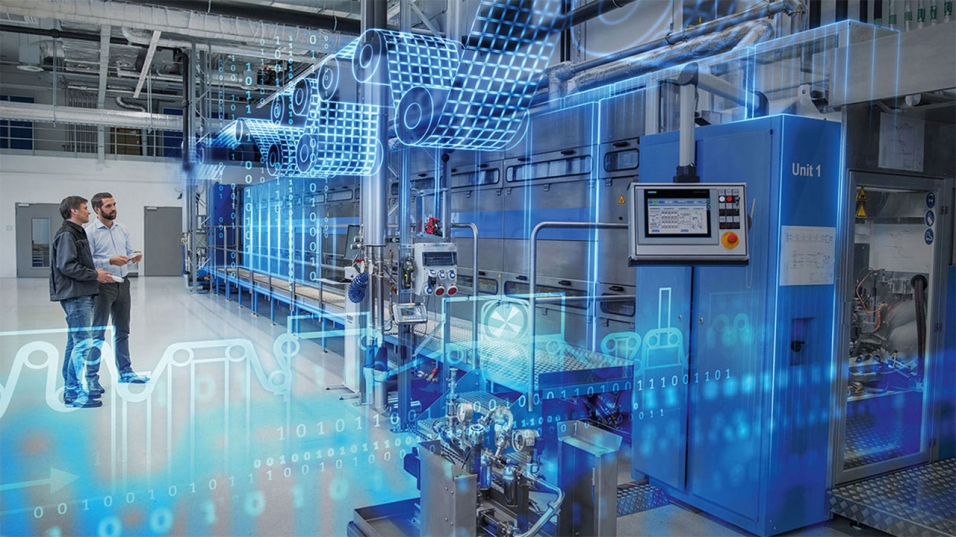
4.4. Aerospace and Heavy Industry
Products such as aircraft, turbines, and industrial equipment have highly complex structures and require a high level of traceability.
PLM helps maintain versions, change histories, approval status, and product configurations, supporting better control of product data throughout long product lifecycles.

4.5. Energy and Green Industries
As sustainability becomes increasingly important, information about materials, design, and product lifecycles also becomes more valuable.
PLM provides a foundation for managing product information throughout the lifecycle, supporting long-term activities such as evaluation, design optimization, and lifecycle management.
Is PLM Right for Every Business?
Not every company needs to implement a comprehensive PLM system from the beginning.
What matters more is whether the current approach to product data management has started creating problems.
Companies can begin by asking:
- Do engineers frequently spend time searching for the correct file?
- Have BOMs and designs ever become out of sync?
- Does engineering change management rely heavily on email and Excel?
- Has rework occurred because the wrong revision was used?
- Does managing product data become significantly more difficult as projects grow?
If the answer to several of these questions is “Yes,” it may be time to evaluate PLM rather than continuing to expand a folder-, Excel-, and email-based approach.
Conclusion
PLM is more than a system for storing engineering data. Its greater value lies in its ability to connect product data, versions, BOMs, engineering changes, and the teams involved throughout product development.
Companies also do not need to begin with a large-scale PLM project. They can start with the most critical bottleneck – such as version control, engineering change management, or BOM management – and expand gradually.
With more than 20 years of experience, New System Vietnam supports companies in assessing their current processes and implementing ENOVIA and the 3DEXPERIENCE Platform, helping build product data management processes that fit their actual requirements.
👉 Contact New System Vietnam to discuss your current product data management challenges and identify a suitable PLM roadmap for your business.
Frequently Asked Questions About PLM
What is PLM?
PLM (Product Lifecycle Management) is an approach and system for managing product-related data, processes, and changes throughout the product lifecycle.
What is the difference between PLM and PDM?
PDM primarily focuses on engineering data and version management. PLM has a broader scope that includes BOMs, engineering changes, processes, configurations, and collaboration.
Does PLM replace CAD?
No. CAD is used to create design data, while PLM manages product data, versions, changes, and related processes.
Does PLM replace ERP?
No. PLM focuses on product data and product development processes, while ERP primarily manages operational activities such as purchasing, inventory, manufacturing, and finance.
Do small businesses need PLM?
Possibly. The need for PLM depends more on the complexity of the product, data, and collaboration processes than on company size alone.
Related posts
AI in R&D: What Should Companies Prepare for Effective Implementation?

Can AI Replace Design Engineers? The Future of AI in Engineering
When Does Your Business Need PLM? 7 Signs to Look For
How to Shorten Product Development Time: 5 Critical Factors Companies Often Overlook