


















1.2 Customizable workspace:
Users can customize their workspace by adjusting toolbars and windows to suit their individual needs. This allows them to create an ideal working environment, optimizing workflows and minimizing unnecessary steps.
TOP New Features in CATIA V6 2024
CATIA 2024 is a major upgrade that delivers numerous new features and enhancements designed to improve productivity, collaboration, and innovation in design and engineering. Below are the top ten CATIA 2024 features you shouldn’t miss.
Table of Contents
2. Advanced Modeling Capabilities
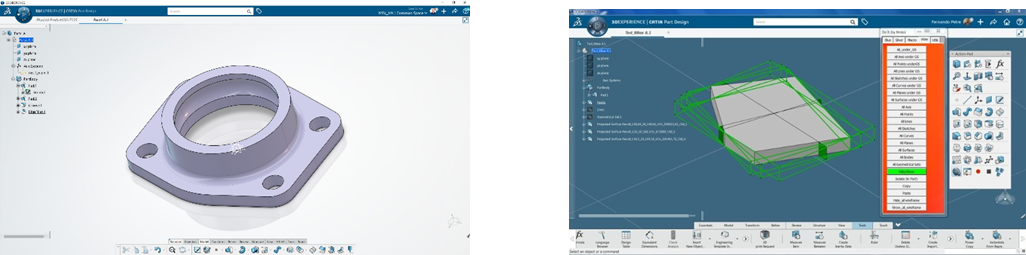
2.1 Enhanced surface modeling:
New and improved surface modeling algorithms allow users to create complex surfaces with greater accuracy. This is especially critical in industries such as automotive and aerospace, where surfaces must meet the highest standards of precision and quality.
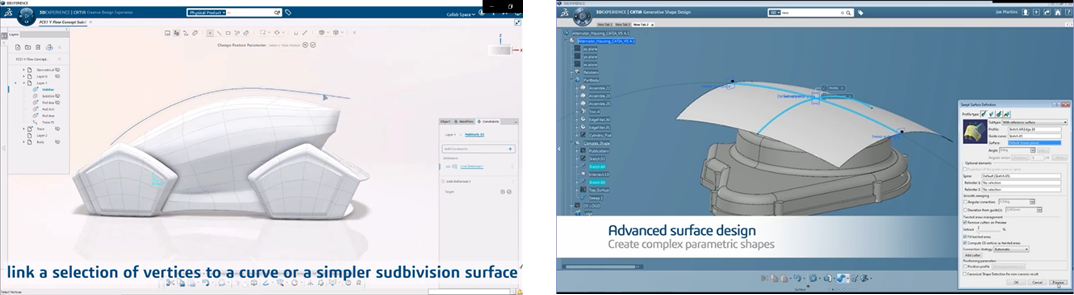
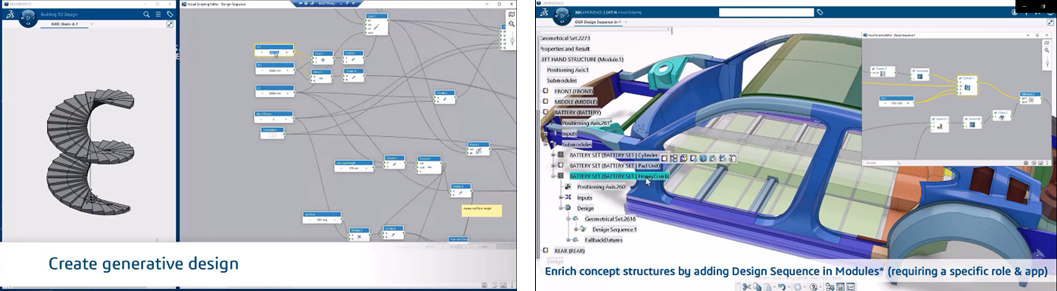
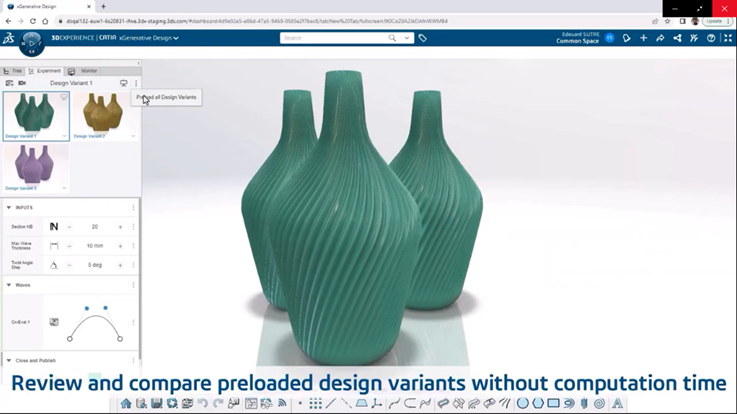
2.2 Generative design:
The generative design feature enables users to automatically create optimized designs based on specified constraints and parameters. This tool leverages advanced algorithms to explore innovative design solutions, helping reduce product development time and costs.
3. Enhanced Collaboration Tools
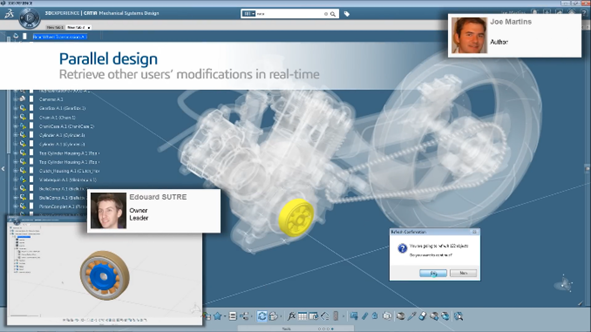
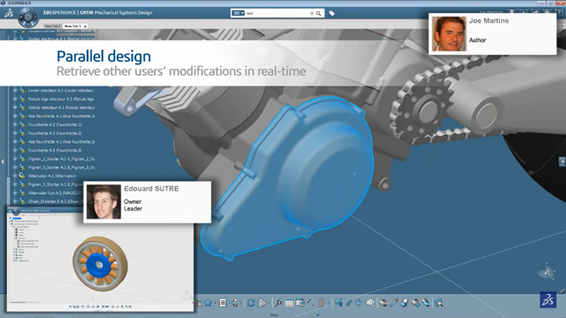
3.1 Concurrent design:
With concurrent design capabilities, multiple users can work on the same model at the same time. This not only strengthens team collaboration but also minimizes conflicts and errors during the design process, ensuring that all team members stay up to date with the latest changes.
3.2 Cloud integration:
Integration with cloud platforms allows users to easily share data and collaborate regardless of location. This is especially beneficial for global projects, where teams may be distributed across multiple sites.
4. Advanced Simulation and Analysis
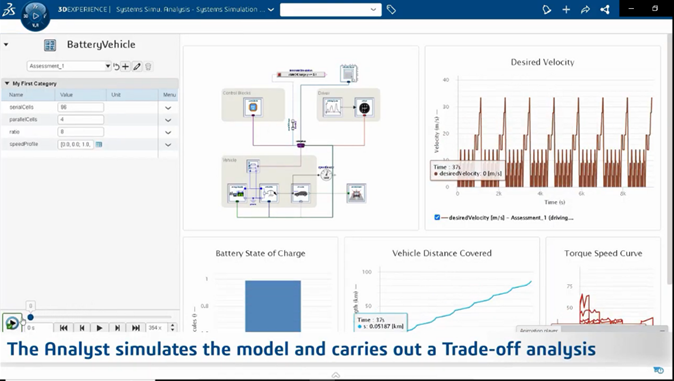
4.1 Enhanced simulation tools:
The new simulation tools deliver more accurate analysis of factors such as stress, deformation, and other physical properties. This helps ensure that designs perform as expected in real-world conditions and meet strict quality standards.
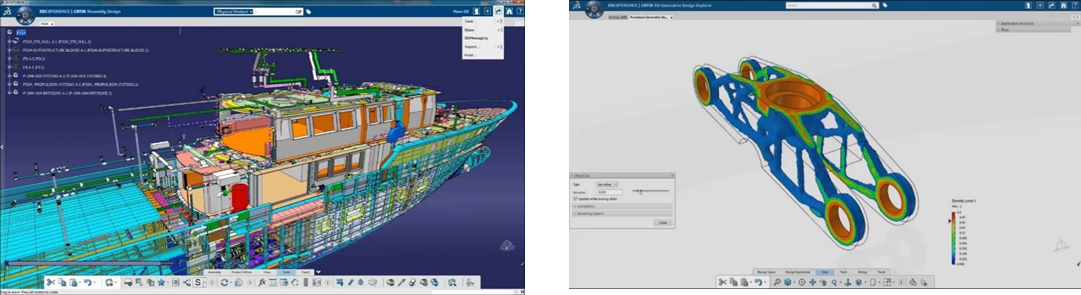
4.2 Real-time feedback:
Real-time simulation feedback allows users to immediately see the impact of design changes. This accelerates the design process and reduces the need for rework at later stages.
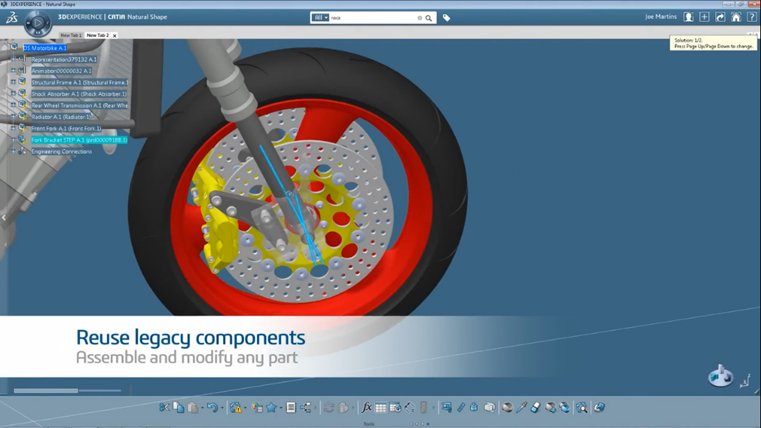
5. Expanded Material and Component Libraries
5.1 Comprehensive material database:
The expanded material library provides users with a rich database of materials, including new and advanced options such as composites and alloys. This helps users select the most suitable materials for their projects.
6.2 Enhanced documentation tools:
Improved documentation tools make it easier to create detailed and clearer technical documents, with better support for annotations and design history tracking. This helps stakeholders more easily understand and follow project progress.
Related posts

AI in R&D: What Should Companies Prepare for Effective Implementation?
What should companies prepare before implementing AI in R&D? Explore five key areas — data...

Can AI Replace Design Engineers? The Future of AI in Engineering
Can AI replace design engineers? Discover how AI is changing engineering, the role of AURA...

Why Companies Still Experience Errors After Investing in CAD
CAD accelerates product design, but reducing engineering errors requires more than CAD alo...
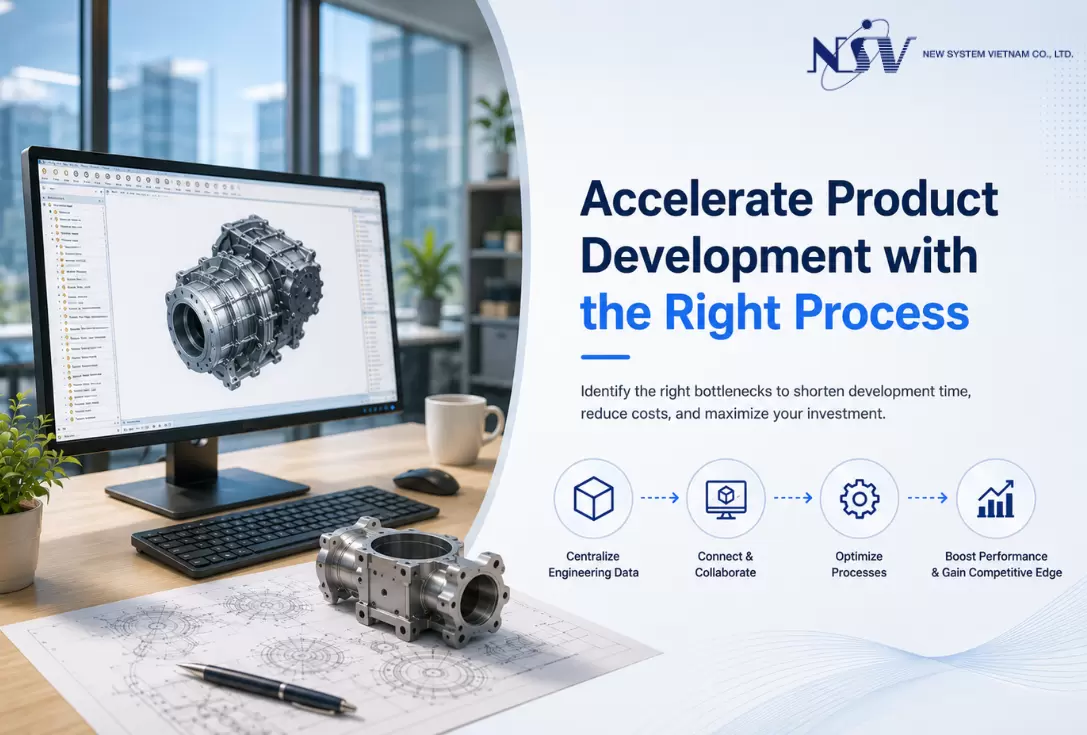
How to Shorten Product Development Time: 5 Critical Factors Companies Often Overlook
Want to shorten product development time but don't know where to begin? Discover five crit...

Modern Product Development: Why Many Manufacturers Still Face Product Launch Delays
In today’s manufacturing environment, product development is no longer an isolated task ha...