
















- Seamless integration between surface modeling and solid modeling.
Overview of the 3D CAD/CAM/CAE Solution System for Design, Simulation, and Manufacturing – CADmeister – Part 2
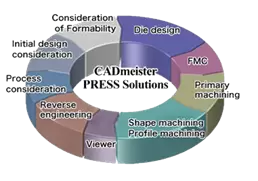
In Part 1, we provided an overall introduction to the CADmeister software. In Part 2, let’s take a closer look at the modules offered by CADmeister and how they can support your business in production planning.
Table of Contents
1. CAD 2D & 3D
1.1 BASE/ADVANCE Module (Modeling Design Tools)
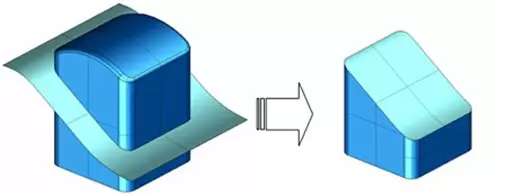
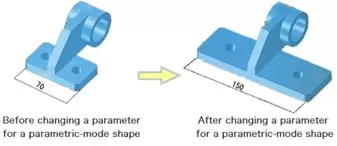
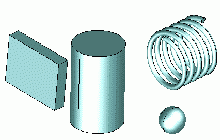
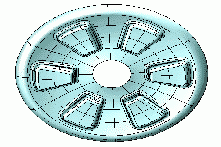
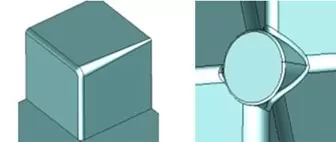
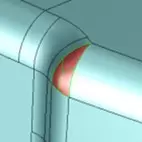
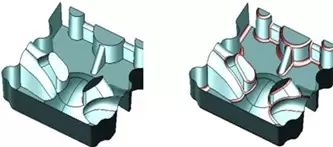
A wide range of fillet functions, including:
- Fillet
- Graded Fillet
- Automatic Filleting
- Collective Filleting
- Filleting at Junction Points
1.2 STL-EDIT Module (STL Data Editing Tools)
STL-EDIT is a tool that allows the use of STL data imported into the CAD system via 3D coordinate measuring tools. It is an essential tool for editing STL data.
Simplification
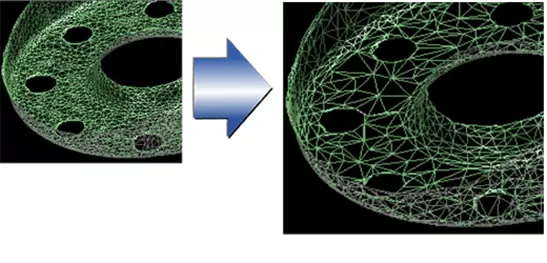
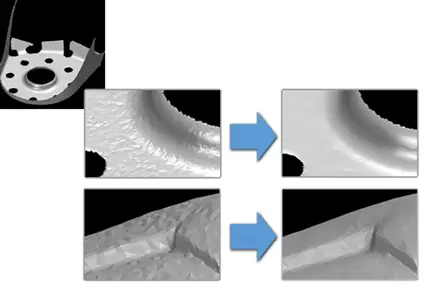
Noise Reduction
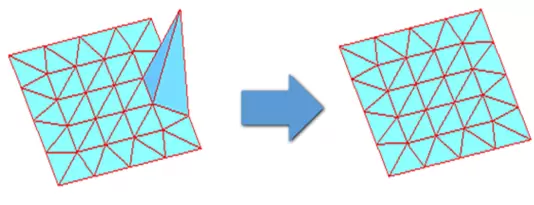
Smoothing
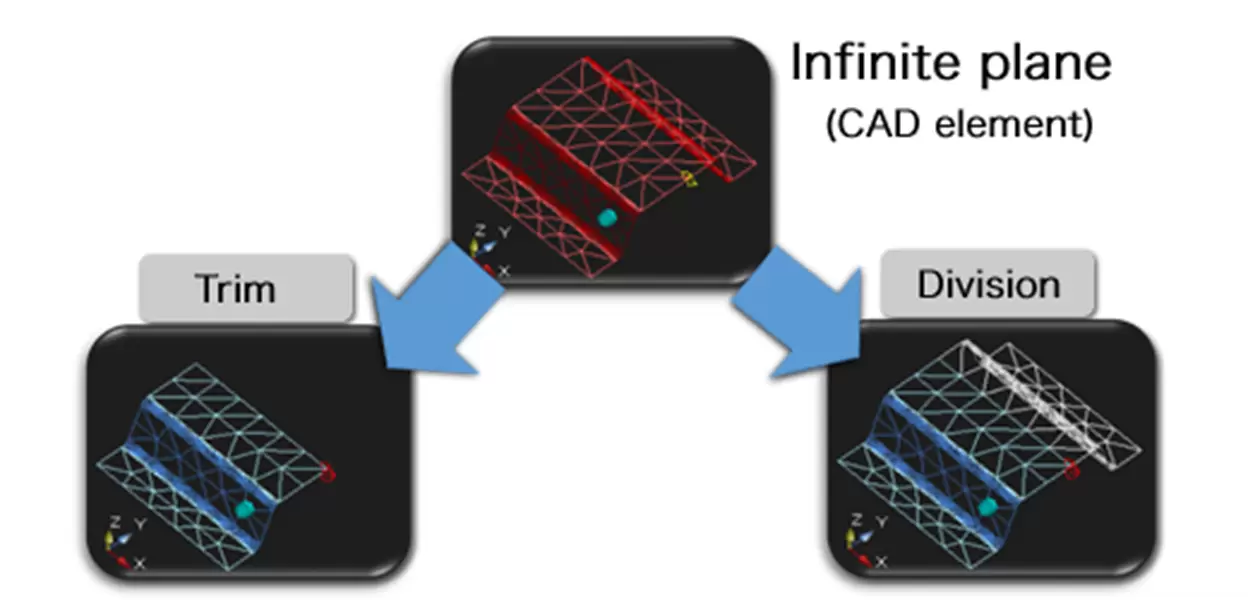
Trim
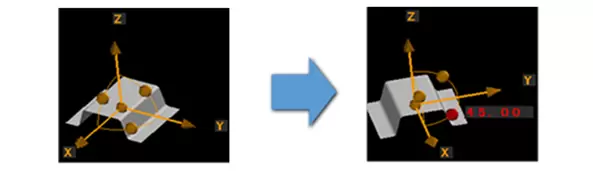
Position Alignment
Three-point method
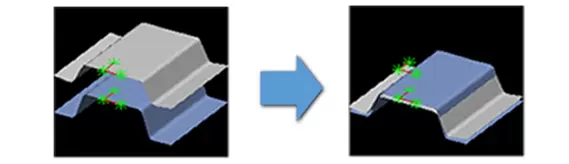
Automatic
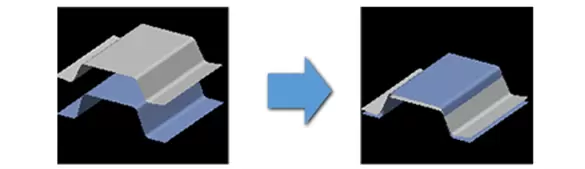
Manual
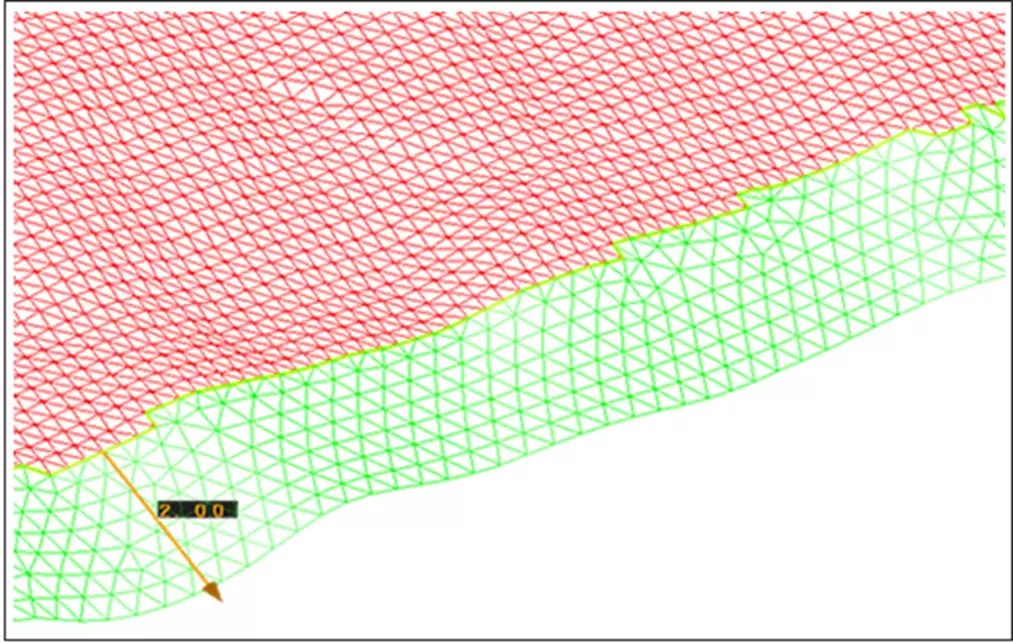
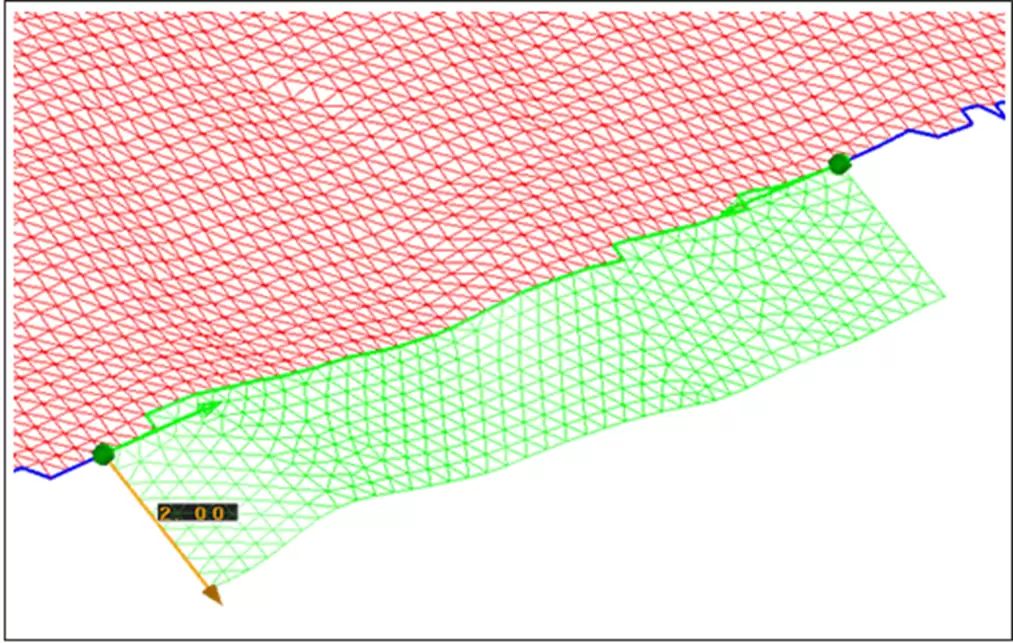
Extension
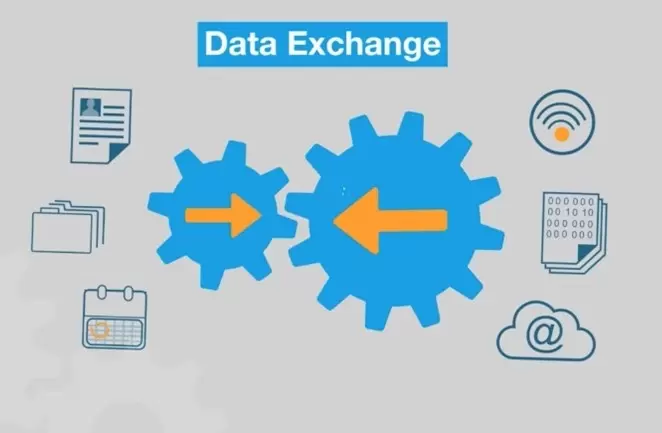
1.3 DATA EXCHANGE ModuleCADmeister supports the exchange of both standard and optional data formats:
- Standard data: Import/Export file formats including IGES, JAMA, DXF/DWG, CADCEUS, and STL. Export formats include XVL, VRML, and SVLX.
(These are default functions and do not require an additional license.) - Optional data: Import/Export file formats such as STEP, CATIA V4, CATIA V5, PARASOLID, I-DEAS, Creo Parametric, TDEX, JT, and TOGO. Export formats include NCVIEW and CAM-TOOL.
1.4 Mođun FILLET-REMOVAL SP 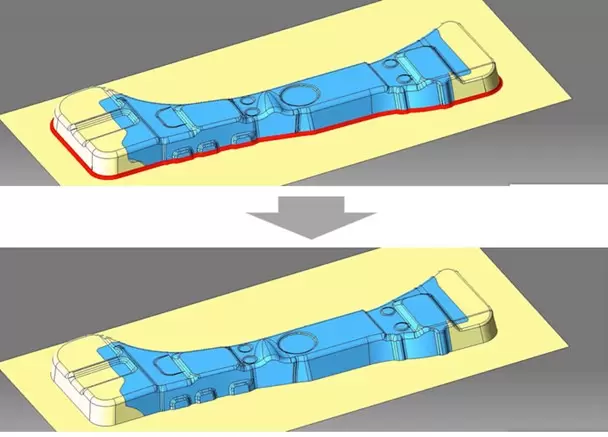
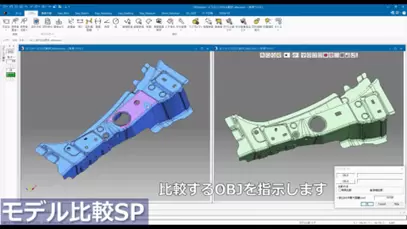
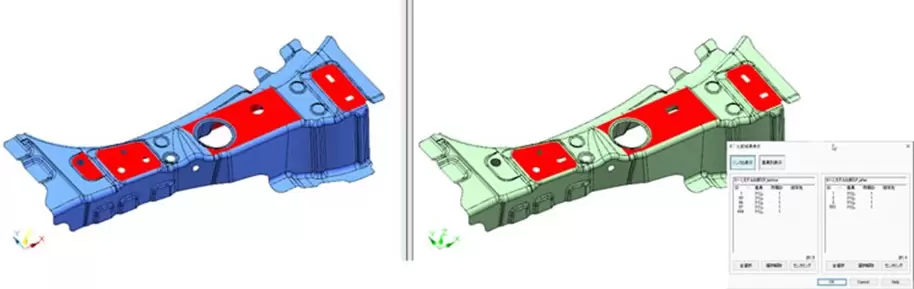
Mođun MODEL-COMPARISON SP
This function compares detailed 3D product models before and after design changes, displaying the changes both in a list and within the software interface. Specifically:
2. PRESS DIE
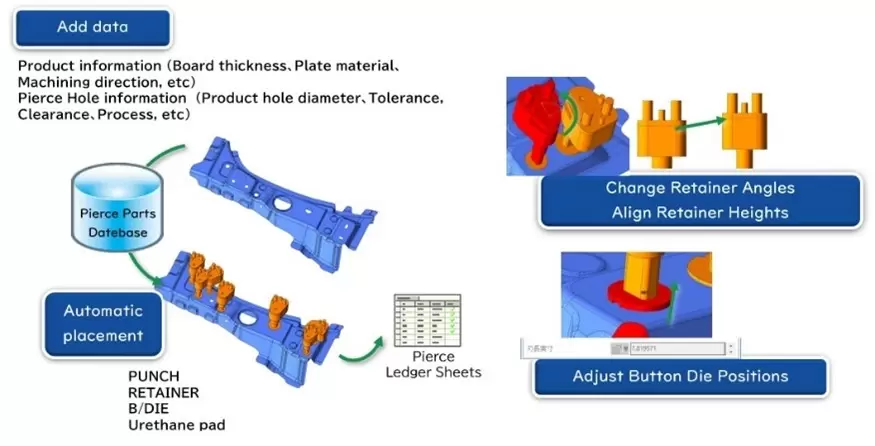
2.1 Mođun PRESS
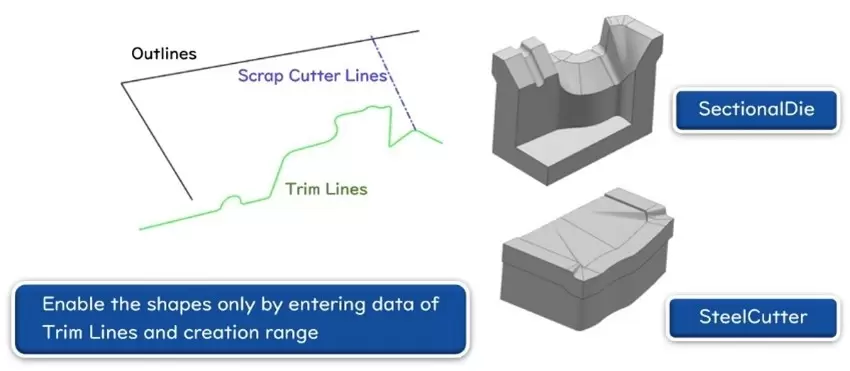
CreateSectionalDies and CreateSteelEdges
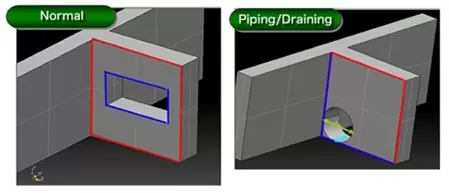
CashHole
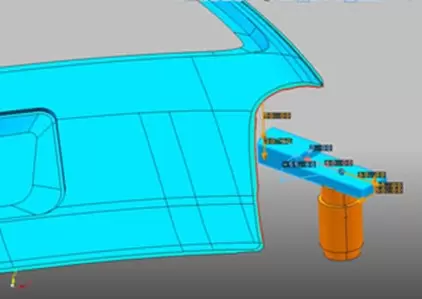
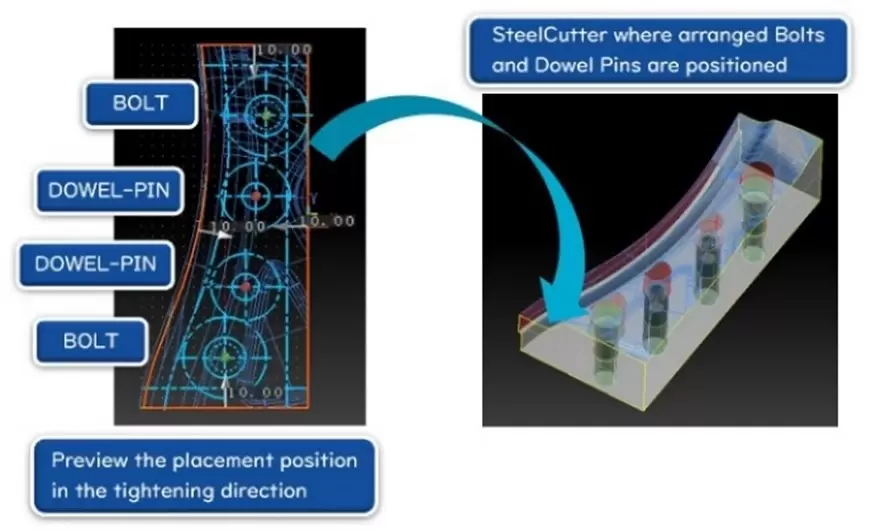
ShapeCreation
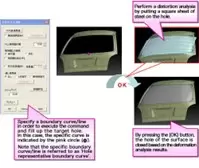
2.2 Mođun FORM-EX
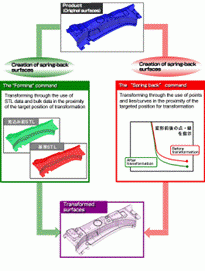
Press Form Twist
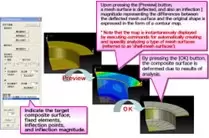
Spring back
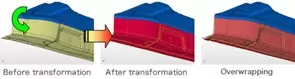
OverCrown
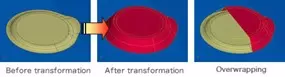
FillingLargeHole
2.3 Mođun DL
- DL, a 3D support tool, is used to improve product quality and optimize mold layout during the design stage. It allows design engineers to inspect and diagnose results using 3D visualizations and to export 3D result data before precise machining.
- Function: "3DDL Support"
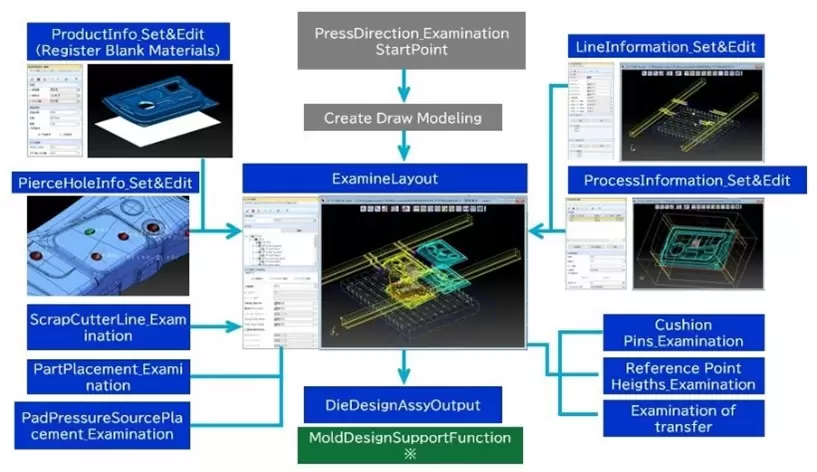
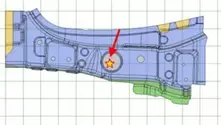
Start point
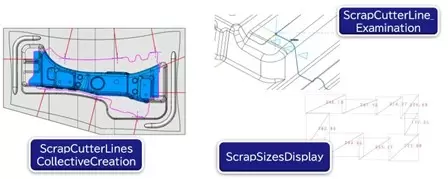
ScrapCutterLineExamination
2.4 Mođun PRESS-FORM-PLUS-II
Related posts

AI in R&D: What Should Companies Prepare for Effective Implementation?
What should companies prepare before implementing AI in R&D? Explore five key areas — data...

Is Virtual Twin Worth the Investment? Where Does ROI Come From and How Can It Be Measured?
Virtual Twin goes beyond simulation. Discover how businesses can reduce prototypes, rework...

Can AI Replace Design Engineers? The Future of AI in Engineering
Can AI replace design engineers? Discover how AI is changing engineering, the role of AURA...

When Does Your Business Need PLM? 7 Signs to Look For
When does your business need PLM? Discover 7 key signs, from version control issues and di...

Why Companies Still Experience Errors After Investing in CAD
CAD accelerates product design, but reducing engineering errors requires more than CAD alo...